
Mobile experience
1CEO Mobile: Mobile Experience Information
This page looks at the 1CEO mobile experience from the perspective of usability, device safety and controlled use. It does not claim unverified app specifications or a fixed feature list.
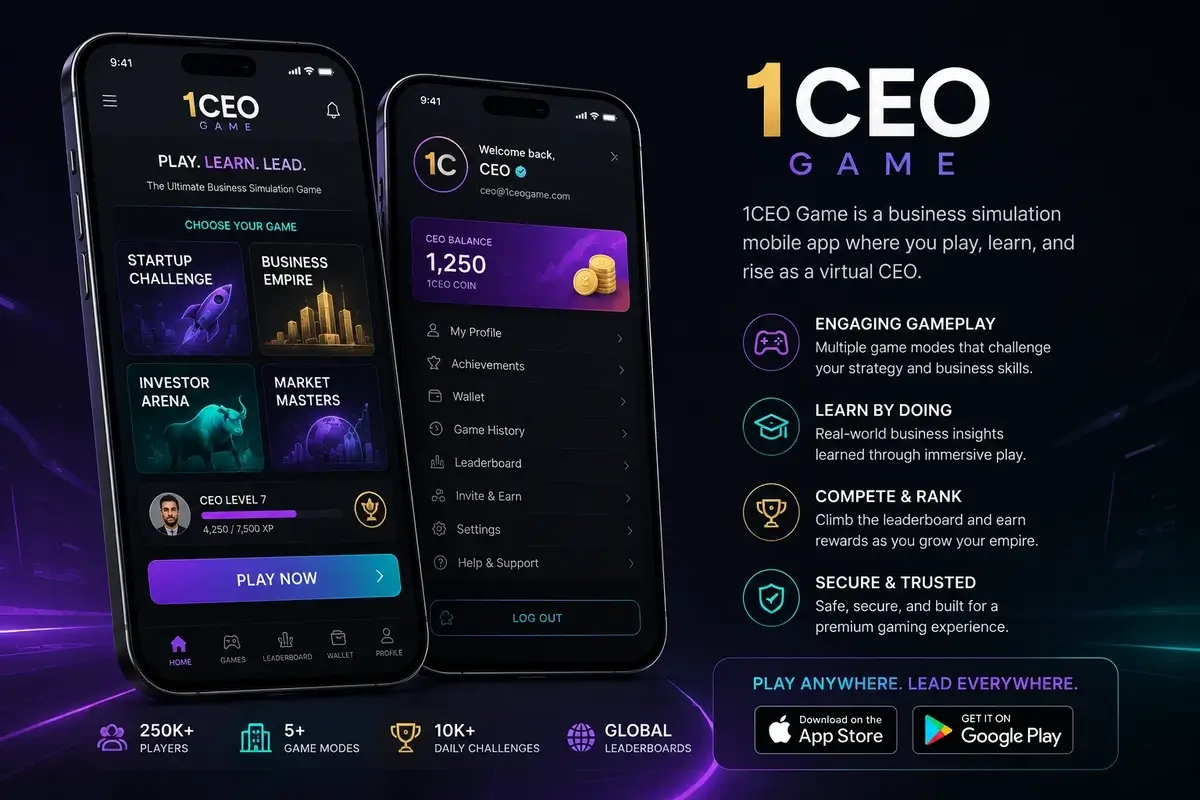
Mobile-first usability
For many users in India, a phone is the main device for digital services. Text should remain readable, navigation should be predictable and important controls should not require precise taps.
This theme uses single-column layouts on smaller screens and supports Devanagari line height so Hindi labels and matras are not clipped.
Connection quality and repeated actions
Unstable mobile data can make a transaction or account action appear to stall. Avoid repeated taps until you can check whether the first request completed.
Where possible, review account history or transaction status instead of creating duplicate actions because the screen was slow.
Device security
Use a screen lock, keep Android updated and remove applications you no longer trust. Review notification, accessibility and device administrator permissions.
A phone used for account access also contains recovery email, messages and payment apps, so a compromised device can affect more than one service.
Notifications and attention
Notifications can make it easy to return to an app repeatedly. Turn off non-essential alerts if they interfere with work, study, sleep or planned breaks.
Convenience should not remove deliberate decisions about when to start and stop a gaming session.
Shared-device awareness
If a phone is shared, avoid saving sensitive credentials in a way that other users can access. Log out where appropriate and protect payment applications separately.
Language preferences can change between users, which is why this site provides matched English and Hindi pages rather than mixing both languages into one article.
Independent information notice
This website is independent and is not the 1CEO Game operator or official support service. Product availability, eligibility and applicable requirements can change. Check current third-party terms and authoritative requirements before acting.