
Mobile software
1CEO App: Mobile App Information
This independent 1CEO App page covers mobile usability, Android permissions, account protection and update awareness. It does not claim a verified current app version, file size, store listing or system requirement that has not been supplied.
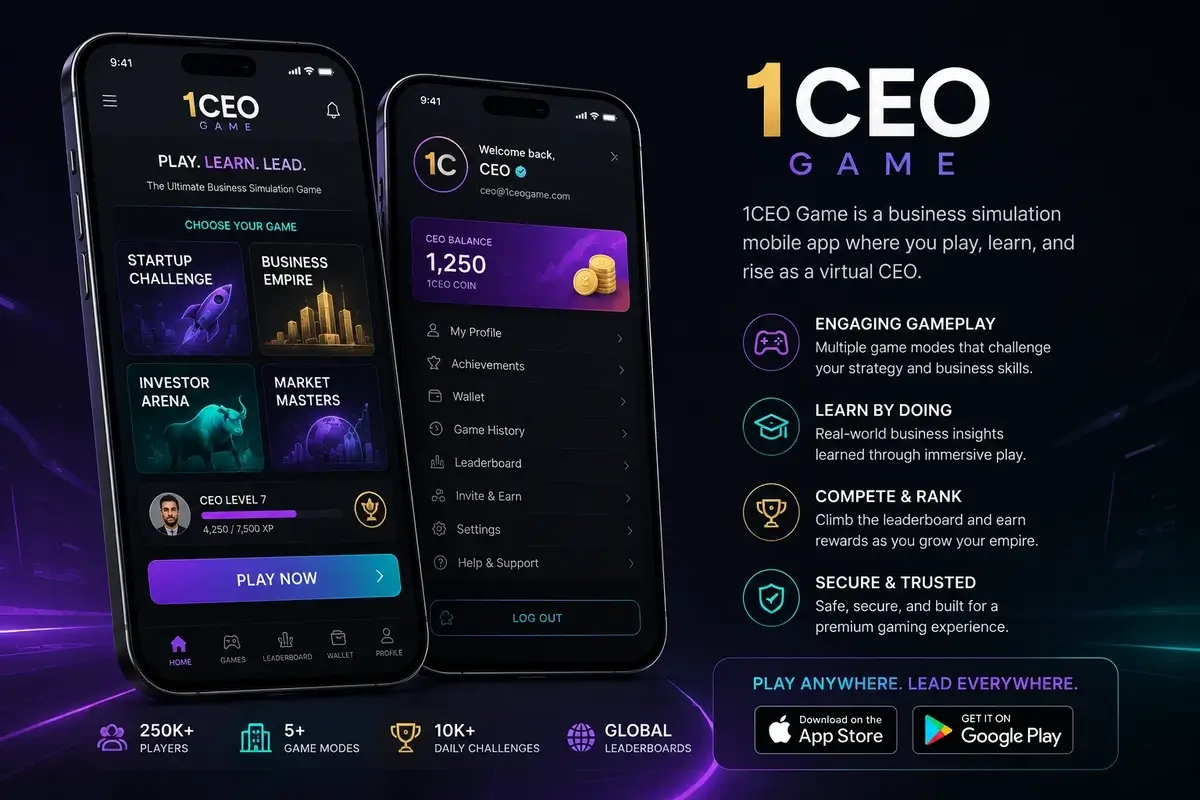
Think beyond the app interface
A polished app interface can make navigation easier, but usability is only one part of the decision to install software. The source, requested permissions, update method and account-recovery process are equally important because they affect what happens outside the visible screen.
Users should separate feature descriptions from trust signals. A familiar design does not prove who published the package. Verify the source before relying on visual branding.
Android permissions and privacy
Review permissions when the app is installed and when they change after an update. Access to contacts, microphone, camera, location, files, notifications or accessibility features may expose more information than a user expects.
Grant only what is necessary for a feature you understand. If a permission appears unrelated to the app’s purpose, investigate rather than accepting it because the prompt blocks the next screen.
Mobile account protection
Use device-level protection such as a screen lock and keep important recovery accounts secure. A gaming password can be strong while the linked email account remains weak, allowing an attacker to reset access through the recovery channel.
Do not allow a support caller to take remote control of the phone or ask for an OTP. If screen sharing is requested, understand exactly what will be visible before agreeing to anything.
Updates and app lifecycle
Apps change over time, so screenshots and feature lists can become outdated. Use a verified update route and pay attention to permission changes. An unexpected requirement to install a different package should be checked independently.
If you stop using an app, uninstall it and review whether any account sessions remain active. Removing software does not necessarily close the related third-party account.
Mobile use should remain controlled
Convenient access can also make it easier to spend more time than intended. Notifications and one-tap navigation should not replace a deliberate decision about when to start and stop.
Set a time boundary and a spending boundary before a session. If mobile access begins to interfere with work, study, sleep or household finances, reduce access or stop rather than treating constant availability as a benefit.
Independent information notice
This website is independent and is not the 1CEO Game operator or official support service. Product availability, eligibility and applicable requirements can change. Check current third-party terms and authoritative requirements before acting.